For Law Firms

Less Cap Table Admin. More Time for Your Clients.

Manage client equity with AI-powered onboarding, published pricing, and expert support. Keep cap tables, equity plans, and documents connected in one platform, ready to review and share.

AI drafts
Your team reviews
Clients stay informed
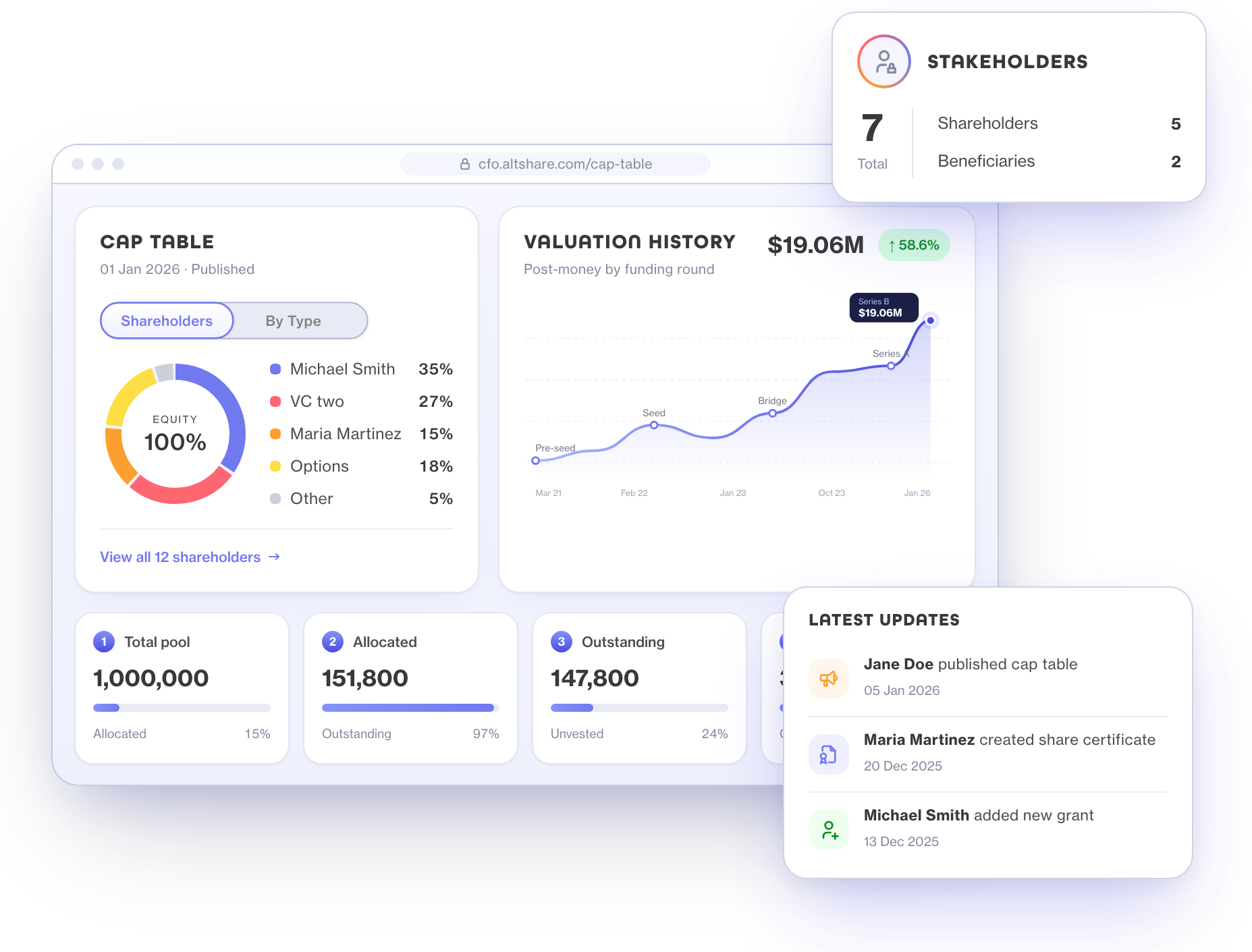
altshare cap table dashboard with ownership breakdown, valuation history and latest updates

Trusted by Companies, Investors, and Equity Leaders

3,000+
Companies and organizations
100+
VC firms
120,000+
Stakeholders
Rylo logo

A Better Way to Manage Client Equity

From Client Excel to Draft Cap Table

Upload your client’s cap table spreadsheet and, optionally, the Articles. AI drafts shareholders, share classes, and grants for your team to review before anything goes live.

Pricing You Can Explain Upfront

Recommend a platform with public, per-company pricing. Plans start free for up to 25 stakeholders, so you can discuss costs with clients before they commit.

Expert Help When You Need It

Get help with onboarding, migration, and ongoing equity questions. Choose the support level that fits your client, from email support to a dedicated customer success manager.

One Live Source of Equity Truth

Keep cap tables, equity plans, and supporting documents together. Reduce the back-and-forth of tracking down information across spreadsheets and email threads.

Share Information With the Right People

Give clients and relevant stakeholders access to the equity information they need. Make collaboration easier without sending another spreadsheet version.

Support the Next Equity Event

Connect ownership data with SAFE and convertible modeling, funding scenarios, waterfall analysis, and defensible 409A valuations, with features available by plan.

Using Carta for Client Cap Tables? Give Your Clients Another Option.

Evaluate altshare for your next client or an existing company considering a switch. Start with AI-powered onboarding, compare published pricing, and talk through the transition with our team.

When client equity work involves…
Re-entering data from a client spreadsheet
Tracking down the latest spreadsheet
Explaining platform costs to a client
Sending updated files between stakeholders
Moving data between separate workflows
Needing help during a transition
With altshare…
AI drafts the cap table for your team to review
Work from one live cap table
Refer to public, per-company plans
Share access to relevant equity information
Connect cap tables, equity plans, valuations, and modeling
Access onboarding and support options suited to the client’s plan

From Client Spreadsheet to Shared Equity Data

1
Upload
Add the client’s cap table Excel and, optionally, the Articles.
2
Let AI Draft
altshare drafts shareholders, share classes, and grants from the uploaded information.
3
Review
Your team reviews the draft and resolves any questions before the cap table goes live.
4
Manage and Share
Keep equity information connected and share access with the relevant people.

Your Client’s Cap Table Is Just the Beginning

Keep Everyday Equity Work Moving

Manage shareholders, share classes, grants, and vesting in one place.
Keep equity documents connected to the records they support.
Help clients and stakeholders access relevant, current information.
altshare cap table with linked equity documents and shared client access
altshare waterfall modeling

Be Ready for the Next Financing or Exit

Model SAFE and convertible conversions and their effect on ownership.
Compare funding scenarios and dilution outcomes.
Explore waterfall scenarios and connect equity data with defensible 409A valuations.

Feature availability and valuation services depend on the selected plan.

Published Pricing. Clearer Client Conversations.

Know what you’re recommending before your client signs. altshare’s public plans are priced per company, starting with a free plan for up to 25 stakeholders.

Compare features, stakeholder limits, and support options to find the right fit for each client.

Frequently asked questions

Can our firm move a client from Carta to altshare?
Yes. Export the client’s cap table to Excel and upload it to altshare. AI prepares a draft for review, and our team can help you discuss migration requirements and support options.
What do we need for AI onboarding?
Start with the client’s cap table Excel. You can also upload the Articles to support the process. altshare drafts shareholders, share classes, and grants for your review.
Does AI publish the cap table automatically?
No. Your team reviews the draft before anything goes live. AI helps with preparation while your team retains control of the review.
Can we share equity information with clients and stakeholders?
Yes. altshare centralizes equity information and supports sharing with relevant stakeholders. Our team can walk you through access options for your firm and clients.
How is altshare priced?
Plans are public and priced per company. The free plan includes up to 25 stakeholders. Paid plans add capacity, features, and support options. Review the pricing page for current details.
What support is available?
Support varies by plan, from email support to onboarding assistance and a dedicated customer success manager. Talk to our team about the needs of your firm and clients.
Does altshare include 409A valuations and scenario modeling?
altshare offers defensible 409A valuations, funding scenarios, SAFE and convertible modeling, and waterfall analysis. Availability and fees depend on the selected plan and service.
Can we try altshare before recommending it to clients?
Yes. Explore the platform with a four-week free trial, or book a walkthrough focused on your firm’s client workflow. Valuation services may be priced separately.

Give Your Clients Clarity. Give Your Team Time Back.

Bring client cap tables, equity plans, and documents into one platform. Let AI handle the first draft, keep your team in control, and get expert help when you need it.

Equity Management Intelligence
Want help deciding? Talk to an altshare equity specialist.
Call 1-888-883-0010